



Replacement Guide
Minisplit Replacement Remote FAQ: Verify Compatibility Before Buying
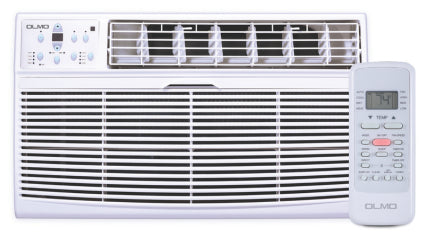
Need a replacement remote for your ductless mini split? Before you spend $59–$69 on a new controller, don't just match the brand name or the look of the plastic shell. To get a remote that operates every feature of your system, match the exact indoor-unit model number (printed on the data label of the indoor air handler) or the remote controller part number (on the back of the original remote or inside its battery compartment — for example, RG36F1(B)/BGEFU1 for Cooper & Hunter MIA NG / NY wall units or RG57F3(B)/BGEFU1 for OLMO wall units).
If you buy a generic lookalike, you're rolling the dice. A mini split remote doesn't just send "power on" — it sends a coded infrared message describing the full state you want (mode, temperature, fan speed, swing), and air conditioner manufacturers use proprietary coding that can differ even between series from the same brand. A lookalike can turn the unit on yet leave you without supported functions like dehumidification, horizontal swing, turbo, or I-Feel / Follow Me temperature sensing. Here is how to verify compatibility before checkout.
The "Looks the Same" Trap
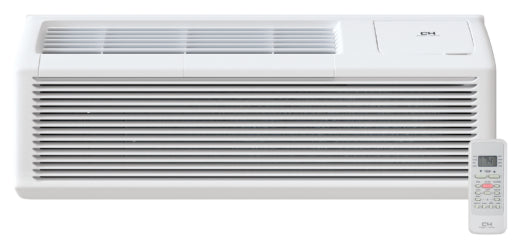
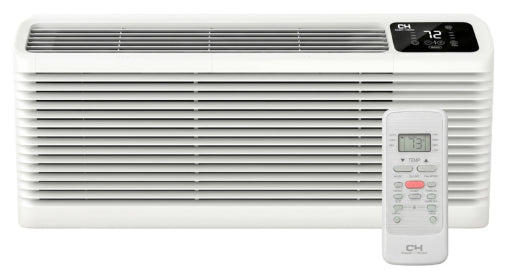
Here is a common scenario: someone orders a visually identical remote from a marketplace for a Cooper & Hunter wall unit. The power button beeps and the unit starts — but fan speed or I-Feel / Follow Me won't respond. A beep only confirms that the indoor unit received a command; it doesn't prove the remote sends every command the way your unit expects.
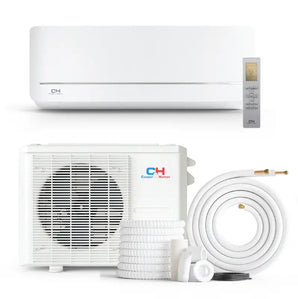
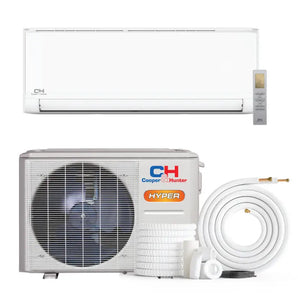
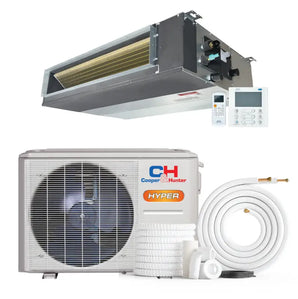
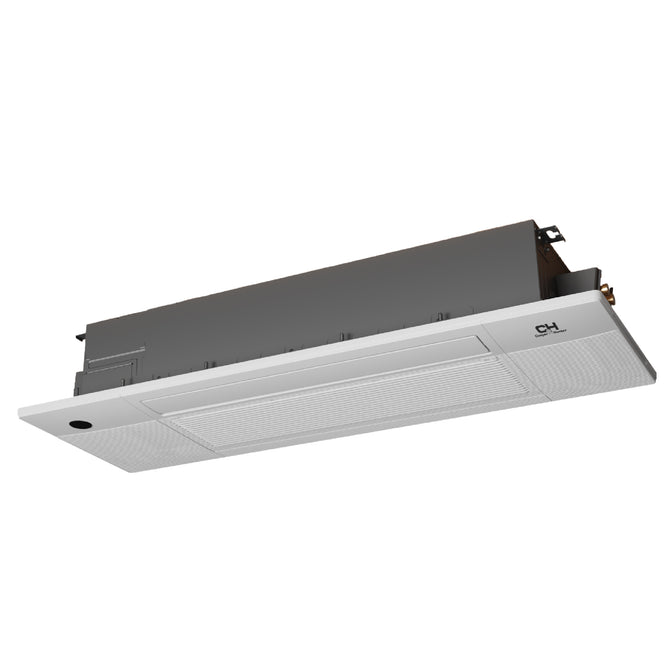
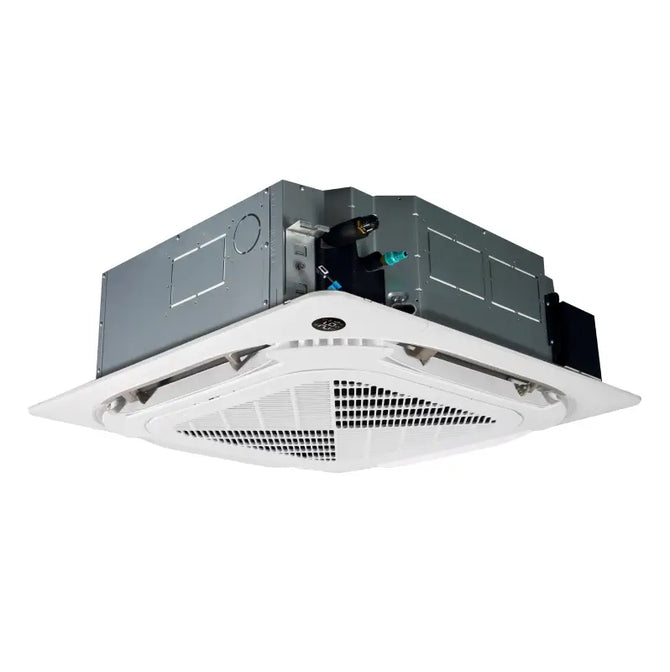
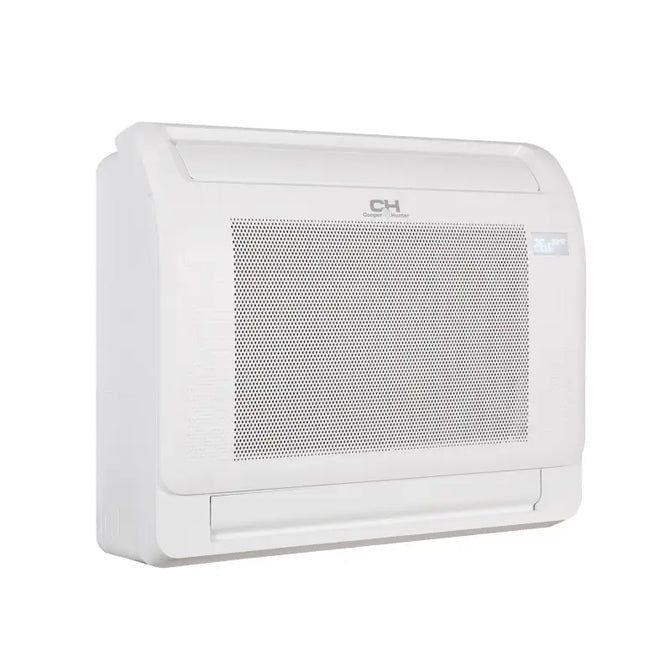
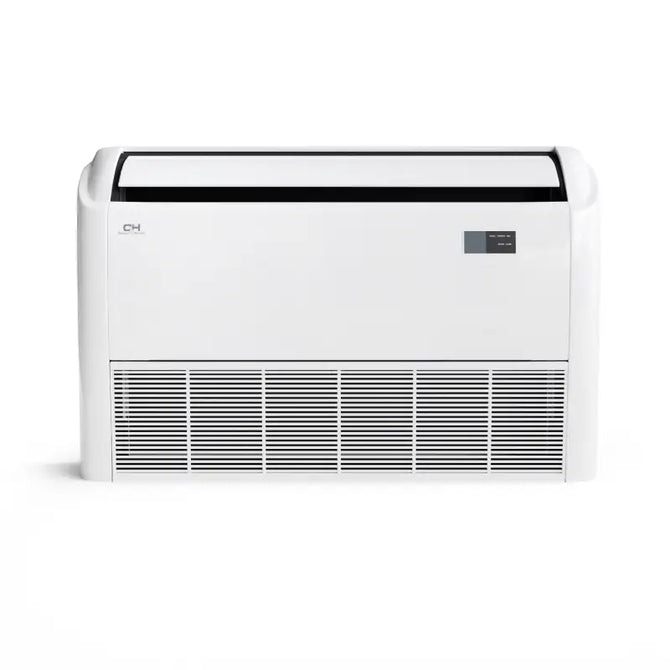
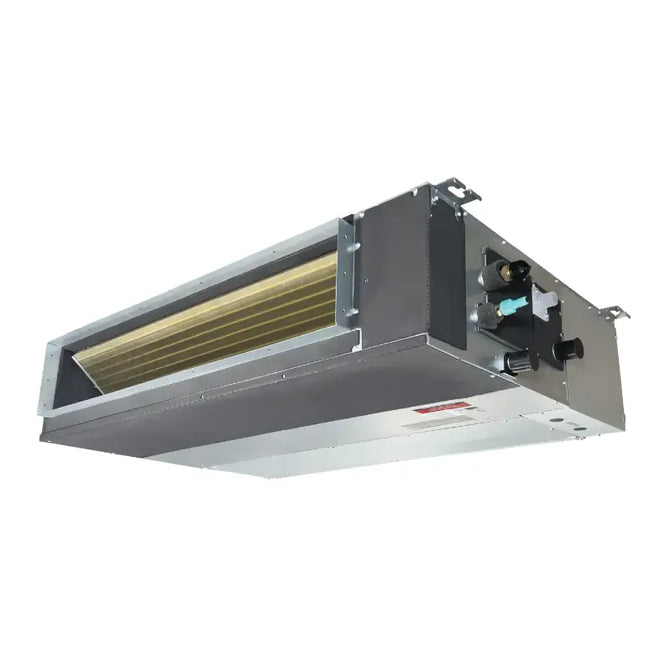
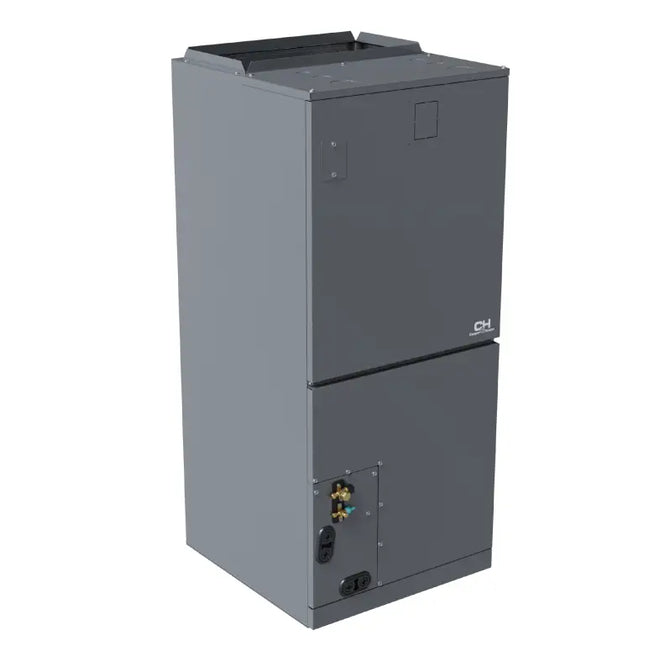
Replacement remotes are matched to a series, not just a brand. Our Cooper & Hunter listings alone include separate remotes for MIA NG / NY wall units, ECO Olivia / Astoria units, ECO Olivia units on R454B refrigerant only, multi-position air handlers, slim duct / cassette systems, and light commercial mini splits. Gather your model data before browsing our replacement remotes catalog.
How to definitively verify your model data:
- Check the Indoor Unit Data Label: Snap a clear photo of the data label on your indoor unit. Its location varies by model — often on the side of the unit, inside the front panel, or on the bottom. Do not use the outdoor condenser: the remote only communicates with the indoor receiver board. Copy every letter and number, including any suffix; a revision letter can indicate a different control board.
- Find the Remote Controller Part Number: If your old remote is still in the house, check the back or open the battery compartment. Our listings show part numbers like RG36F1(B)/BGEFU1 (Cooper & Hunter MIA NG / NY) and RG57F3(B)/BGEFU1 (OLMO).
- Cross-Reference the Product Page: Compare your indoor-unit model or remote part number with the compatibility details on the replacement remote's listing — see the reference table below. If anything doesn't match exactly, ask us before ordering.

Remote Compatibility Reference (From Our Product Listings)
Use this table to match your system to the replacement remote listed on our site. The details come from each product listing; always confirm against your own indoor-unit label before ordering.
| Your System | Replacement Remote Listing | Remote Model / Part # on Listing | Price |
|---|---|---|---|
| Cooper & Hunter MIA NG / NY wall units | C&H Sophia Series Remote | RG36F1(B)/BGEFU1 | $69.00 |
| Cooper & Hunter ECO Olivia / Astoria | C&H ECO Olivia Series Remote | Part # 17317000A63924-2 | $69.00 |
| Cooper & Hunter ECO Olivia (R454B only) | C&H ECO Olivia Remote (R454B only) | Part # 17317000A70400 | $69.00 |
| Cooper & Hunter multi-position air handlers | C&H Multi-Position Remote | See listing | $69.00 |
| Cooper & Hunter NY MIA slim duct, cassette & universal floor/ceiling | C&H Slim Duct / Cassette Remote | See listing | $69.00 |
| Cooper & Hunter light commercial mini splits | C&H Light Commercial Remote | See listing | $69.00 |
| OLMO ALPIC, Scandic & ALPIC ECO wall units | OLMO Replacement Remote | RG57F3(B)/BGEFU1 (Part # 17317000A34063) | $59.99 |
Prices and availability reflect the product listings as of October 2026 and can change — check the listing before you order.
Before assuming a remote is broken or incompatible, put fresh alkaline AAA batteries in it (don't mix old and new), make sure any plastic pull-tab is removed, and confirm there is a clear line of sight to the indoor unit's receiver. A weak battery can mimic a bad remote. If a new remote still won't respond, turn off the unit's breaker for about 60 seconds and restore power to reset the receiver board.
Lost Your Remote? Options While You Wait
If your remote is lost or has died and you need cooling now, you have a few options while the replacement ships.
Use the app, if Wi-Fi is already set up. Cooper & Hunter's Remote app works with wall-mounted Sophia, Sophia Hyper, MIA, and MIA NG units that have a Wi-Fi module paired, and it can control temperature, mode, and fan speed without the infrared remote. One caveat: on some units, first-time Wi-Fi pairing uses a function on the remote itself, so a lost remote can block initial setup. For details, read our guide to the latest C&H Remote app and Wi-Fi capabilities, or browse our Wi-Fi adapters.
Check for a manual button on the unit. Many indoor units have a manual or auto button under the front panel that runs the system until you have a new remote. Its location and behavior vary by model, so check your owner's manual.
Universal AC Remotes: A Stopgap, Not a Match
"Universal AC remote" products claim to work with hundreds of brands, and they can be a reasonable stopgap if your original remote is discontinued and you only need basic power, temperature, and fan control. But air conditioners use proprietary infrared coding — even within the same brand — so universal remotes generally cover only the common commands and tend to miss series-specific features like I-Feel / Follow Me, certain swing and turbo behaviors, and sleep modes.
Setup is also less straightforward: most universals require a code-search or auto-scan procedure, and the right code can vary from one unit to the next. Wherever an exact-match OEM remote is available, it is the better choice.
Minisplit Replacement Remote FAQ
Where do I find the replacement part number?
The original remote's part number is usually printed on the back of the remote or inside the battery compartment. On our listings, Cooper & Hunter MIA NG / NY wall remotes show RG36F1(B)/BGEFU1 and OLMO wall remotes show RG57F3(B)/BGEFU1. If the remote is lost, use the model number on the indoor air handler's data label instead (its location varies by model).
Will a Cooper & Hunter remote work on all Cooper & Hunter systems?
No. We list separate Cooper & Hunter remotes for MIA NG / NY wall units, ECO Olivia / Astoria units, ECO Olivia units on R454B refrigerant only, multi-position air handlers, slim duct / cassette systems, and light commercial mini splits. Each is matched to its series' command set and functions, so you need the remote for your specific series.
My new remote beeps when I press a button, but nothing happens. Why?
A beep means the indoor unit received a signal — it doesn't prove every function will work. Check the basics first: fresh alkaline AAA batteries with the pull-tab removed, a clear line of sight to the receiver, and the °F/°C setting. On some Cooper & Hunter remotes, pressing Clean and Turbo together for about five seconds locks the buttons, and some functions are mode-limited (for example, fan speed can't be set in Auto mode). If basic commands work but specific functions like swing, turbo, or I-Feel / Follow Me don't, the remote may not be the exact match for your series — send us your indoor unit's model number.
What if my original remote is discontinued?
If your exact original controller is discontinued, the manufacturer may have released a superseding part number. If you can't find documentation for one, contact us with your indoor unit's model number and we will help you find the right replacement, or tell you if no direct OEM match exists.
Is a remote covered by the manufacturer warranty?
Cooper & Hunter's warranty policy lists one year of coverage on the remote control provided with the original unit, for the original registered end-user. Registration is required for full coverage, and the policy applies to systems installed by a state-certified or licensed HVAC contractor. OLMO also lists a one-year warranty on its remote, shown on the OLMO remote listing. These terms refer to the remote that came with your unit; if you have a question about a remote you bought separately, contact us with your order number. If your original remote failed within the first year, send us your unit's model and serial numbers.
How fast will a replacement remote ship?
Orders with cleared payment received by noon ET are handed to the carrier within one to two business days, and transit is 1–6 business days depending on your delivery zone. Delivery dates are estimates and aren't guaranteed. Enter your ZIP code on any product page to see the earliest arrival date for your address.
Direct Links to Replacement Remotes
Once you have your indoor unit label photo or original remote part number, you're ready to buy. Check stock status and delivery estimates on the listing before checkout.
- For OLMO Systems: If you verified your model data, grab the OLMO replacement remote here.
- For Cooper & Hunter Wall Units (MIA NG / NY): Proceed to the Cooper & Hunter MIA NG / NY remote listing.
- For Cooper & Hunter ECO Olivia / Astoria: See the ECO Olivia / Astoria remote, or the ECO Olivia remote for R454B units only.
- For Cooper & Hunter Multi-Position Air Handlers: These use a different remote — go directly to the multi-position air-handler remote listing.
- For Slim Ducts & Cassettes: View the Cooper & Hunter cassette and slim duct remote.
- For Light Commercial Mini Splits: See the Cooper & Hunter light commercial remote.
Want to see every replacement remote we carry? Browse all replacement remotes.
Don't guess and wait in the heat.
If you can't find a direct match, or your system is an older model with a faded label, stop right there.
Use our Contact page to send your indoor unit's model number (type out every character on the label), or email a photo of the label to orders@minisplitsforless.com. You can also call (855) 775-4822, Monday–Friday, 9 AM–5 PM ET. We'll check it against the manufacturer part numbers and reply with the matching remote. If the OEM part is discontinued, we'll tell you straight up. Own a Bravo system? We don't list a Bravo-specific remote in this collection, so send us your indoor model number and we'll point you in the right direction.