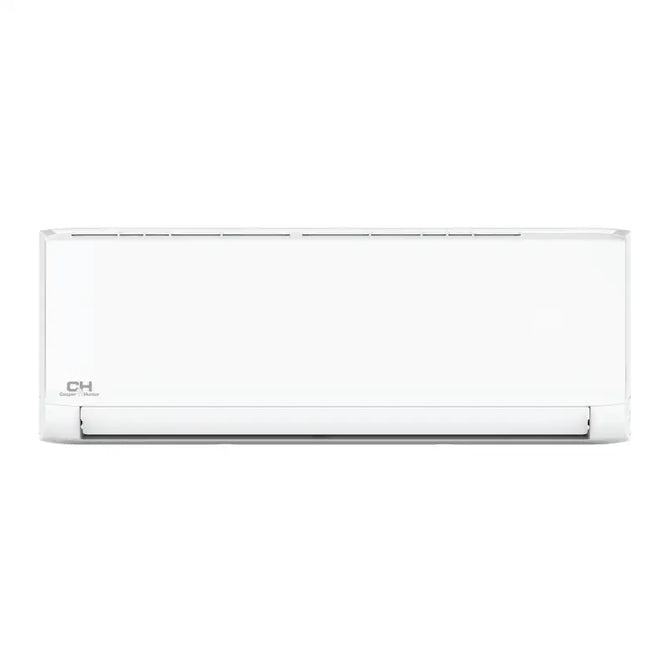
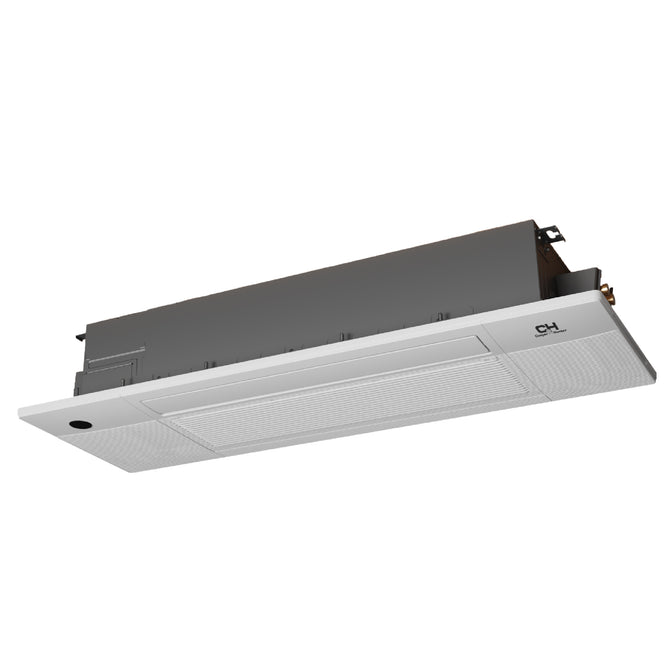
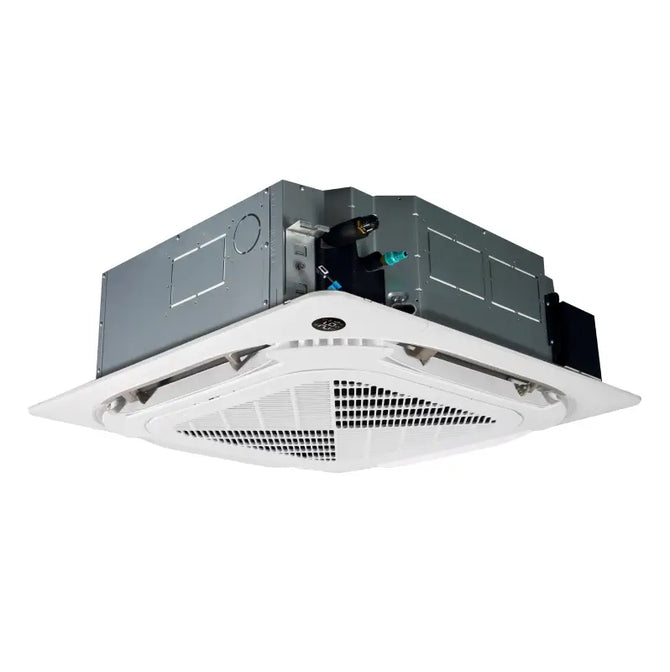
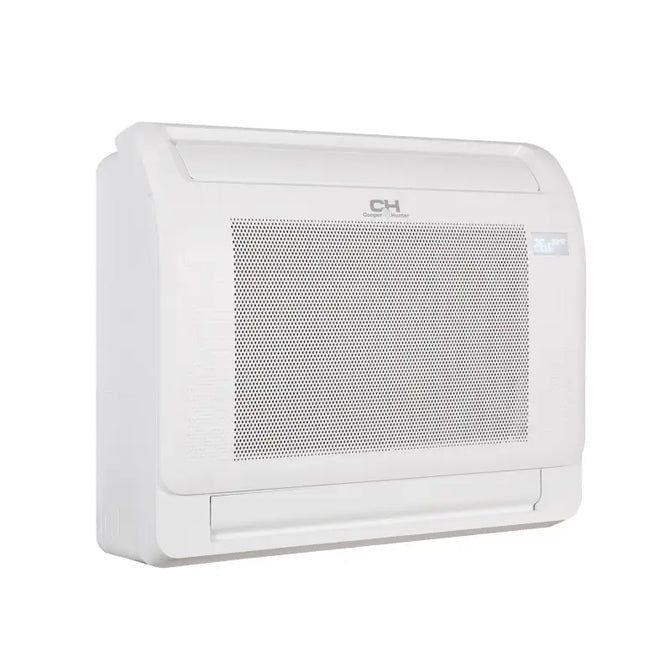
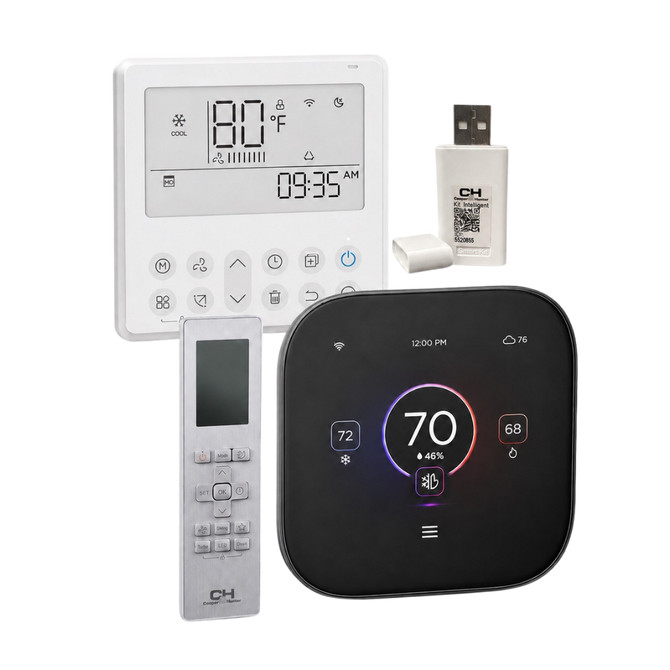
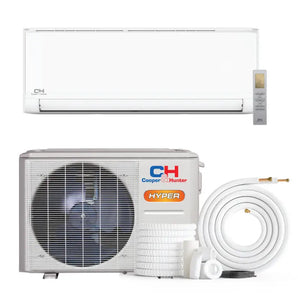
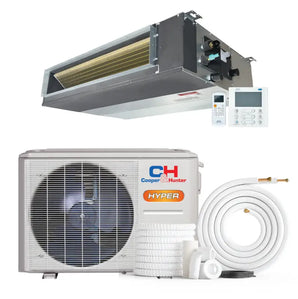
Upgrade your system for remote access—adjust temperature, modes, and schedules via smartphone or voice assistant.
Compatible with select wall-mount and ducted units from Cooper & Hunter, OLMO & BRAVO (requires 2.4GHz WiFi).
Smart WiFi Adapters for Ductless Mini Split Systems
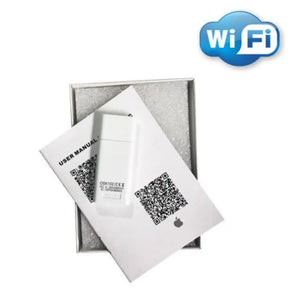
Transform your Cooper & Hunter, OLMO, or BRAVO mini split into a smart home appliance. Our selection of USB WiFi adapters allows you to control your system from anywhere using a smartphone or tablet. Seamlessly integrate with Alexa or Google Home for voice commands, set weekly schedules, and monitor energy usage—all with a simple plug-and-play upgrade.
📱 App Control
🗣️ Voice Command
🔌 Plug & Play
📅 Weekly Scheduling
🌍 Remote Access
Why upgrade to Smart WiFi control?
Adding a Smart WiFi Adapter gives you freedom from the handheld remote. Whether you are at work, on vacation, or just in the other room, you have full command over your home climate.
✓
Control from anywhere Turn your AC on 10 minutes before you arrive home to walk into a cool house, or double-check that you turned the heat off after leaving for vacation.
✓
Smart Home Integration Connect with Amazon Alexa or Google Assistant to change temperature, fan speed, and modes using just your voice.
✓
Energy Efficiency & Schedules Set precise timers and sleep curves to optimize heating and cooling, preventing energy waste when no one is home.
✓
Real-time Diagnostics Receive error codes and system status updates directly on your phone, making troubleshooting easier and faster.
Compatibility Snapshot
Each manufacturer designs adapters for specific protocols. Below is a quick guide for common Cooper & Hunter and related systems.
System Series
Common Adapter Model
Notes
Sophia, MIA, Olivia
OSK102-3 / CH-WIFI01M
Most common wall mounts
Olivia Midnight
OSK10944 (Check Manual)
Specific to certain revisions
Light Commercial
Model Dependent
Cassette/Ducted often vary
Olmo / Bravo
Check Product Page
Often cross-compatible with C&H
Tip: Check if your indoor unit has a "WiFi Ready" sticker or a USB port under the front panel. Some older units are not WiFi capable.
Plug-and-play installation
Installing a WiFi adapter is one of the easiest upgrades for a mini split owner. No tools or wiring are typically required.
1
Locate the Port Lift the front panel of the indoor wall unit. Look for a short cable with a USB female port or a USB slot on the display board.
2
Insert the Dongle Plug the Smart WiFi Adapter into the USB port. Some kits come with a QR code sticker—apply this to the side of the unit for easy scanning.
3
Connect via App Download the specific app (e.g., NetHome Plus or C&H Smart), create an account, and follow the on-screen prompts to pair the device.
Buying tips that prevent headaches
✓
2.4GHz WiFi Only Most HVAC smart adapters do not support 5GHz WiFi. Ensure your home router has a dedicated 2.4GHz band available for setup.
✓
Check the App Requirement Different adapters use different apps (NetHome Plus, Ewpe Smart, etc.). Verify which app is required in the product description.
✓
Verify the USB Type While most are standard USB, some commercial units use a specialized 4-pin header. Always check your manual before ordering.
🎯 Looking for a new system with WiFi included?
Browse our SALE Collection for top-rated ductless mini splits that come WiFi Ready straight out of the box. Upgrade your comfort today.
A WiFi adapter connects your ductless mini split to your home internet, allowing you to control settings (temperature, mode, fan speed) via a smartphone app or voice assistants like Alexa, even when you aren't home.
✓ Which models support Cooper & Hunter adapters? ›
Most current wall-mounted units like the Sophia, MIA, and Olivia series support the standard OSK102-3 or CH-WIFI01M adapters. Always verify the "WiFi Ready" status on your unit's spec sheet.
⇄ Can I use these adapters on other brands like Olmo or Bravo? ›
Yes, many brands share manufacturing platforms . If your Olmo or Bravo unit has the same USB smart port, the adapter is often cross-compatible, but we recommend testing or asking support first.
📶 Does it work with 5GHz WiFi networks? ›
Generally, no. Most smart home devices, including AC adapters, require a 2.4GHz WiFi signal due to its better range through walls. You may need to separate your router's bands during setup.
🏗 Are there adapters for cassette or ducted units? ›
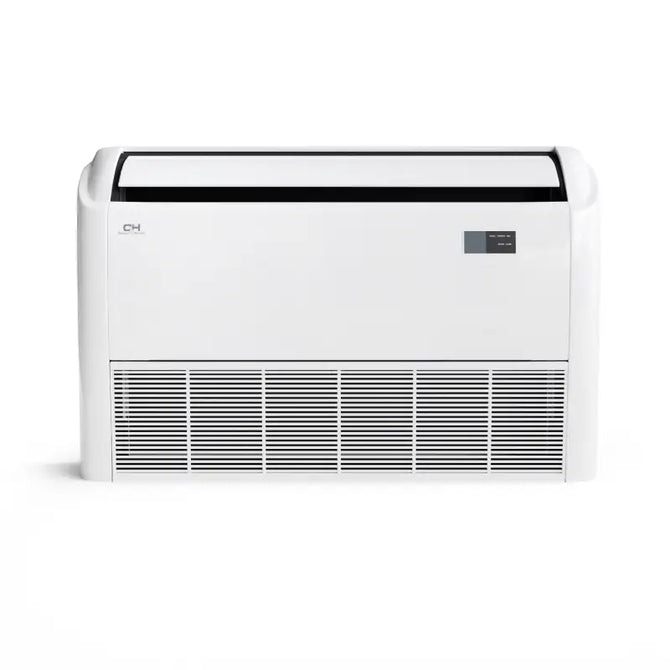
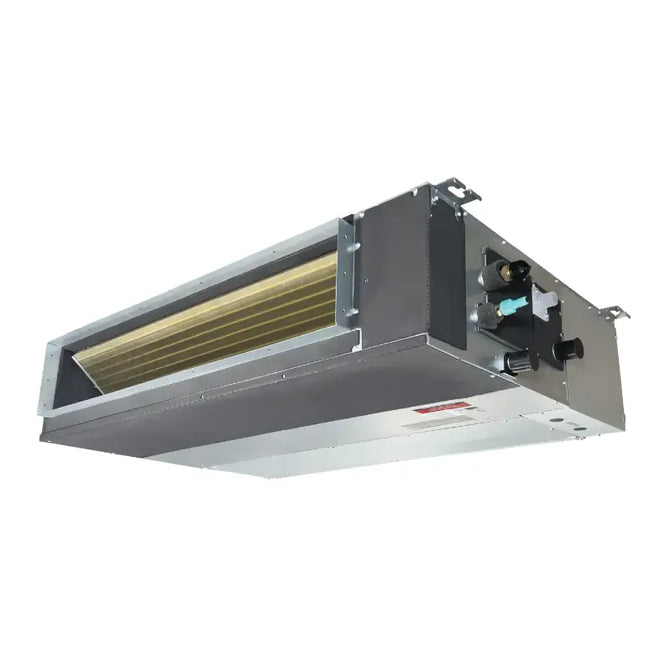
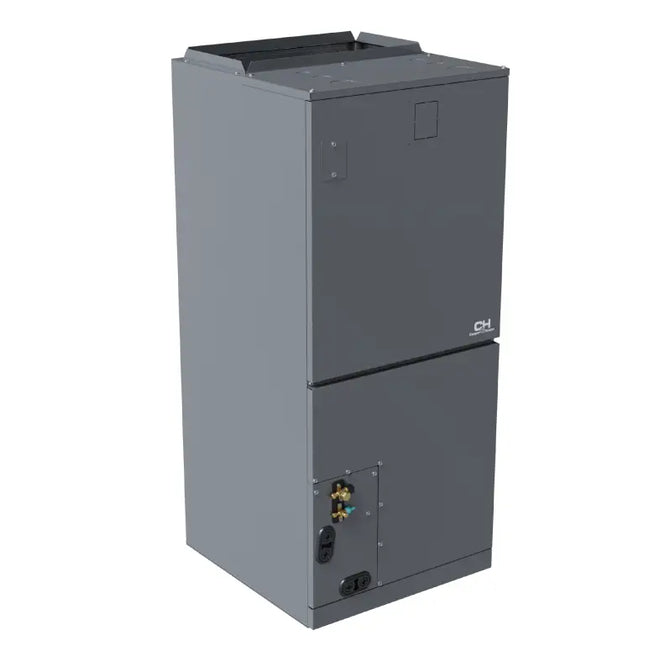
Yes, there are specific WiFi modules for ceiling cassettes and ducted units. However, they often install differently (sometimes wired directly into the board) rather than a simple USB plug.
📱 Which mobile app should I use? ›
The required app depends on the specific adapter model. Common apps include NetHome Plus, C&H Smart, or Ewpe Smart. Check the QR code included in your adapter's box for the correct download link.
Tip: Ensure your indoor unit is "WiFi Ready" before purchasing an adapter.↑ Back to top